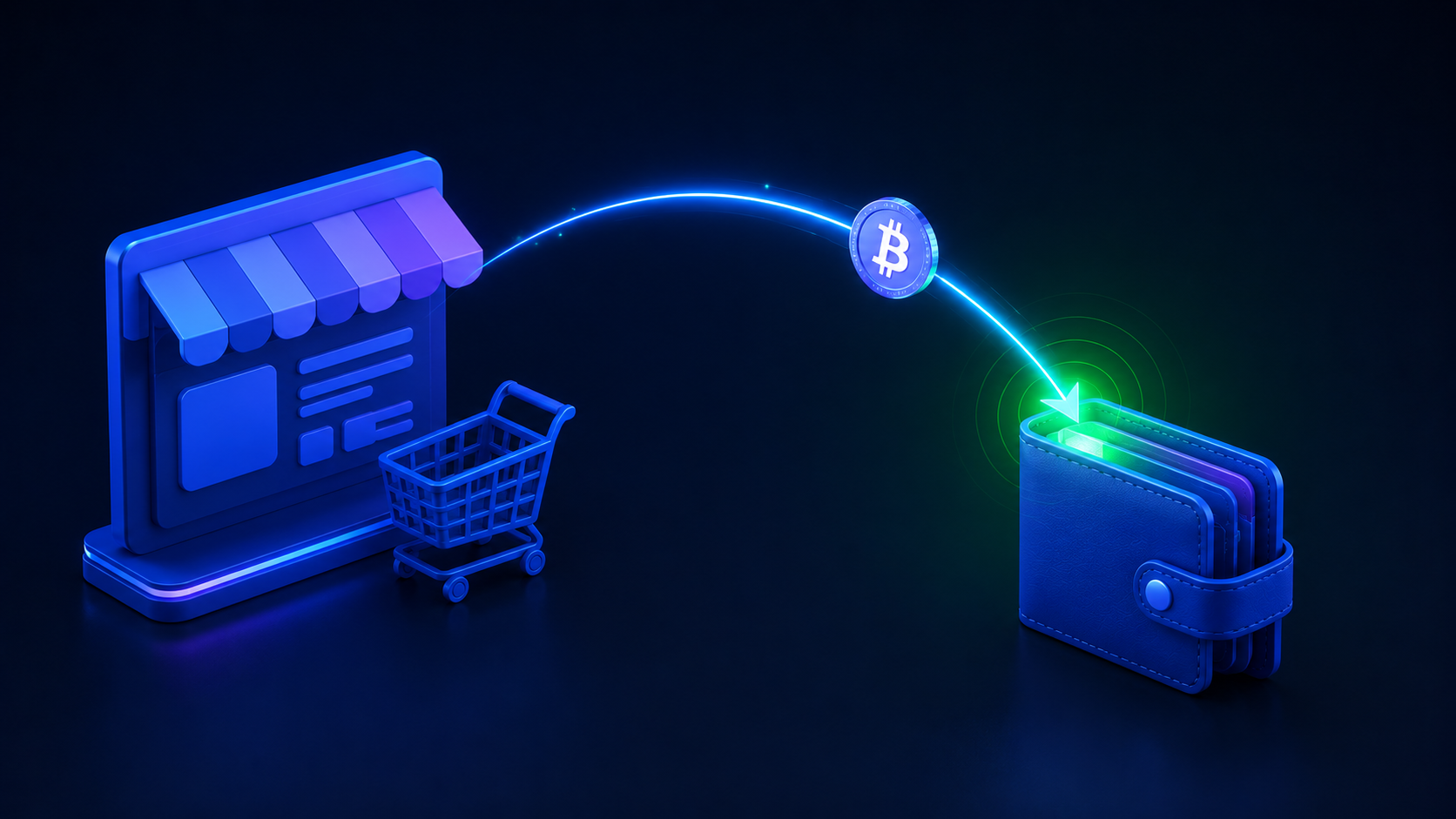
You can add crypto checkout to WooCommerce today with no plugin required: connect your wallet's xPub to a non-custodial gateway, then add a hosted "Pay with crypto" option or wire the API and webhooks into checkout. Payments settle final and go straight to a wallet you control - no KYC, no chargebacks, 0% transaction fees. Here is the full setup.
Why WooCommerce stores add crypto
WooCommerce gives you control over your store - but your payment gateway can still freeze your payouts or hand a customer a chargeback weeks after you have shipped. Adding crypto fixes both: payments settle final, and they go straight to a wallet you control. No holds, no reversals, no "high-risk" bans. This guide shows you how to set it up.
What you will need
- A WooCommerce store (any host).
- A wallet that gives you an extended public key (xPub) - most modern Bitcoin wallets do.
- A free CryptoGate account (email + password - no KYC).
How it works under the hood
CryptoGate is non-custodial. You paste in your xPub once; for every order, we derive a fresh receiving address from it so the customer pays directly into your wallet. We never hold or touch the funds. The store gets a real-time confirmation (from 0/3 to 3/3 confirmations) and a webhook when payment is complete.
Step-by-step WooCommerce setup
- Create your CryptoGate account and connect your wallet's xPub under Wallets.
- Generate an API key in your dashboard.
- Add crypto checkout to WooCommerce. Two common paths:
- Hosted checkout / payment link (no code): create a hosted checkout page in CryptoGate and place it as a payment option (great for simple stores, invoices, or "pay with crypto" buttons).
- API: use the REST API and SDKs (JS / Python / PHP) plus webhooks (payment.created / confirmed / expired) to create an order at checkout and mark it paid automatically when it confirms.
- Test a small live order end to end - scan the BIP-21 QR, pay, and watch it confirm in the dashboard.
- Go live. Customers can now pay in BTC, ETH, LTC, DOGE, DASH, plus USDT and USDC.
Handling orders and fulfillment
- Each payment has a short expiry window, so the crypto amount stays accurate to the rate quoted.
- Use the webhook to trigger fulfillment automatically on confirmation - no manual checking.
- Selling digital goods? On-chain finality means zero chargebacks - see crypto for digital products.
What does it cost?
CryptoGate is flat monthly pricing with no percentage per transaction - there is a free tier to start, and paid plans add more transactions, coins and webhooks. That matters at scale: here is how the common WooCommerce payment options compare.
| Method | Per-transaction fee | Custody | Chargebacks |
|---|---|---|---|
| Card / PayPal | 2.4-2.9% + $0.30 | Held / payout delay | Yes |
| BitPay / Coinbase Commerce | ~1% | Custodial | No |
| NOWPayments | 0.5-1% | Routed | No |
| CryptoGate | 0% (flat monthly) | Your own wallet | No |
Frequently Asked Questions
How do I accept crypto payments on WooCommerce?
Create a CryptoGate account, connect your wallet xPub, and add crypto as a checkout option - either a no-code hosted checkout / payment link, or the REST API plus webhooks for a fully automated flow. Customers pay in crypto and the funds land directly in your wallet.
Do I need a dedicated WooCommerce crypto plugin?
No. You can go live today with a payment link or hosted checkout - no plugin required. For a fully native checkout flow, wire up the REST API and webhooks.
Where does the money go?
Directly to your own wallet, every time. CryptoGate never custodies it and cannot freeze or spend it.
Is it really no-KYC?
Yes. Because funds never touch us, there is no custodial obligation to verify identity. Just an email and password to start.
Which coins can WooCommerce customers pay with?
Bitcoin, Ethereum, Litecoin, Dogecoin and Dash, plus the USDT and USDC stablecoins for price-stable payments.
Are crypto payments on WooCommerce reversible?
No. On-chain settlement is final, so there are no chargebacks - a major advantage for digital goods and high-risk categories.
Bottom line
Crypto checkout on WooCommerce takes minutes and gives you payments that cannot be frozen or reversed. Create your free account and add a freeze-proof payment rail to your store. New to accepting crypto? Start with how to accept Bitcoin payments, see how crypto payment gateways work, or compare with accepting crypto on Shopify.