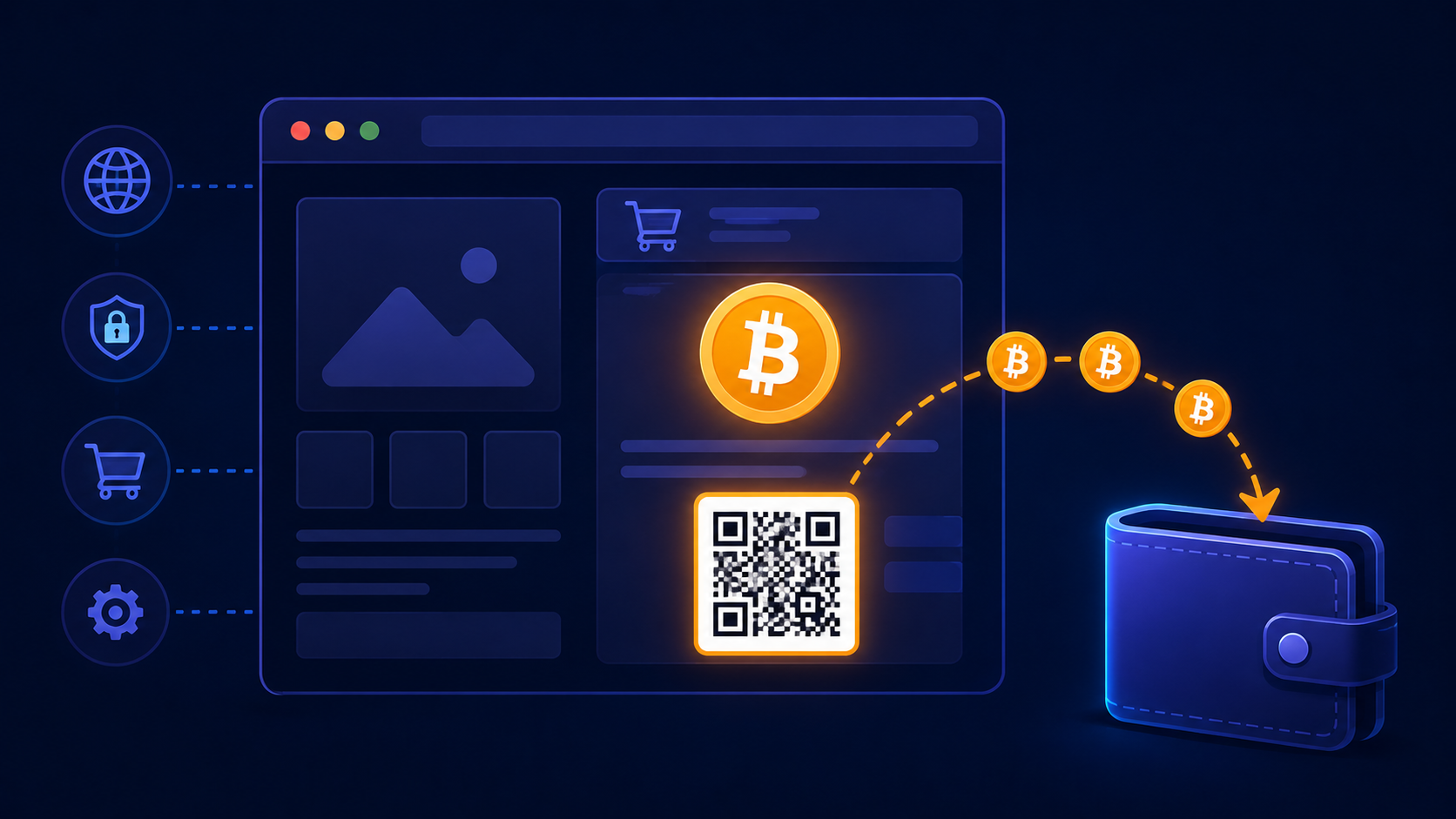
Why Accept Bitcoin in 2026?
Bitcoin is the world's most recognised cryptocurrency, held by an estimated 100+ million people globally. For merchants, accepting BTC delivers four immediate advantages:
- Zero chargebacks — Bitcoin transactions are cryptographically irreversible once confirmed
- No transaction percentage — with the right gateway, you pay zero per-sale fees
- Instant settlement — funds arrive in your wallet at confirmation, no holding period
- Global reach — any customer with Bitcoin can pay you, regardless of country, bank, or card network
What You Need to Get Started
Two things:
- A non-custodial Bitcoin wallet — one that gives you your private keys and an xPub (extended public key)
- A payment gateway — software that generates unique Bitcoin addresses per order and monitors the blockchain for payment
Choosing a Bitcoin Wallet for Your Business
Your merchant wallet should support multiple receiving addresses and provide an xPub key. Do not use a custodial exchange account (Binance, Coinbase) as your business receiving wallet — you do not control the keys, the exchange can freeze your account, and you will not have an xPub.
Recommended options:
- Ledger Nano X — hardware wallet, most secure, xPub available in Ledger Live under Account → Settings → Advanced
- Trezor Model T — hardware wallet, open-source firmware, xPub in Trezor Suite under Account → Public key
- Electrum — free desktop wallet, Bitcoin only, xPub under Wallet → Information → Master Public Key
- BlueWallet — free mobile wallet, simple xPub export, good for getting started quickly
Setting Up CryptoGate to Accept Bitcoin
1. Create Your Account
Sign up at cryptogate.live — no KYC required, just an email. You will be prompted to connect your wallet on first login.
2. Connect Your Wallet via xPub
Paste your xPub key into the wallet configuration screen. CryptoGate uses this to derive a fresh, unique Bitcoin address for every transaction — your private keys never leave your wallet, and CryptoGate never has access to your funds.
3. Create a Transaction for Each Order
When a customer chooses Bitcoin at checkout, call the CryptoGate API to create a transaction:
POST https://api.cryptogate.live/v1/transactions
Authorization: Bearer YOUR_API_KEY
Content-Type: application/json

{
  "amount": "149.99",
  "currency": "USD",
  "crypto": "BTC",
  "metadata": { "order_id": "ORD-8821" }
}
The API returns:
payment_address— the unique BTC address for this ordercrypto_amount— the exact BTC amount at the current exchange rateexpires_at— the payment window expiry (typically 30–60 minutes)payment_url— a hosted payment page you can redirect the customer to directly
4. Show the Customer the Payment Details
Display the Bitcoin address, the exact BTC amount, and a QR code. Most Bitcoin wallet apps handle QR scanning natively. If you redirect to payment_url, CryptoGate's hosted page handles all of this automatically — no frontend work required.
5. Handle Confirmation Events via Webhook
Register a webhook URL in your CryptoGate dashboard. CryptoGate sends HTTP POST notifications as the payment progresses:
payment.pending— transaction detected in the mempool (not yet confirmed)payment.awaiting_confirmation— first block confirmation receivedpayment.completed— sufficient confirmations, payment is final
Mark the order as paid in your system when you receive payment.completed. Always verify the X-CryptoGate-Signature header before processing any webhook.
How Long Do Bitcoin Confirmations Take?
Bitcoin mines a new block approximately every 10 minutes. The number of confirmations you require depends on the order value:
- 1 confirmation (~10 min): Acceptable for orders under $100
- 3 confirmations (~30 min): Recommended for $100–$1,000
- 6 confirmations (~60 min): Standard for high-value orders ($1,000+)
For in-person or time-sensitive sales, Litecoin (2.5-minute blocks) or Dash (InstantSend) offer faster finality than Bitcoin.
Do I Need KYC?
With CryptoGate — no. Because payments go directly from your customer's wallet to yours (CryptoGate never holds funds), there is no regulatory classification that triggers KYC requirements. Sign up with an email and your wallet xPub and start accepting Bitcoin the same day.
What Are the Fees?
CryptoGate charges zero per-transaction fees. You pay a flat monthly plan (Starter is free). Your customers pay a Bitcoin network fee — typically $1–8 depending on network congestion — which goes to miners, not to any gateway.
What If a Customer Pays the Wrong Amount?
Partial payments enter a partial status. You can wait for the customer to send the remainder, or handle the shortfall in your order management system. If no payment arrives within the expiry window, the transaction expires automatically — no charge to anyone, and the address is recycled for future use.
Common Mistakes to Avoid
- Reusing payment addresses: Never give the same address to two different customers. CryptoGate handles this automatically — each transaction gets a unique address.
- Accepting payment before confirmation: A transaction in the mempool is not final. Always wait for the
payment.completedwebhook before fulfilling the order. - Ignoring exchange rate expiry: The BTC amount is quoted at a fixed rate for the payment window. If the customer pays after the window expires, you will receive less or more BTC than expected. Use the expiry timer CryptoGate provides.
Start Accepting Bitcoin Today
Create your free CryptoGate account, connect your wallet in under 5 minutes, and add Bitcoin checkout to your website. Zero KYC, zero transaction fees, funds go directly to your wallet.